About NH-choice
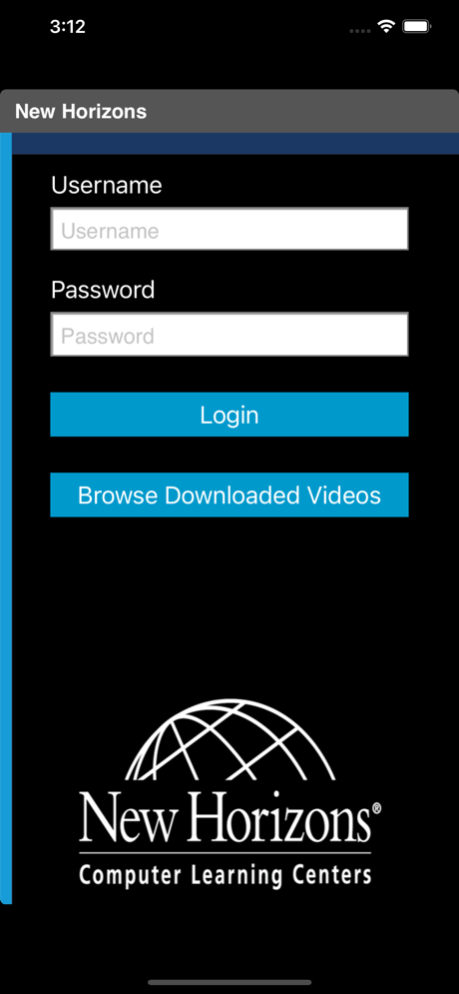
NH-choice is a patent pending configurable learning system that incorporates Logical Operations’ award-winning course development process with a digital multi-platform learning experience that is interactive and...
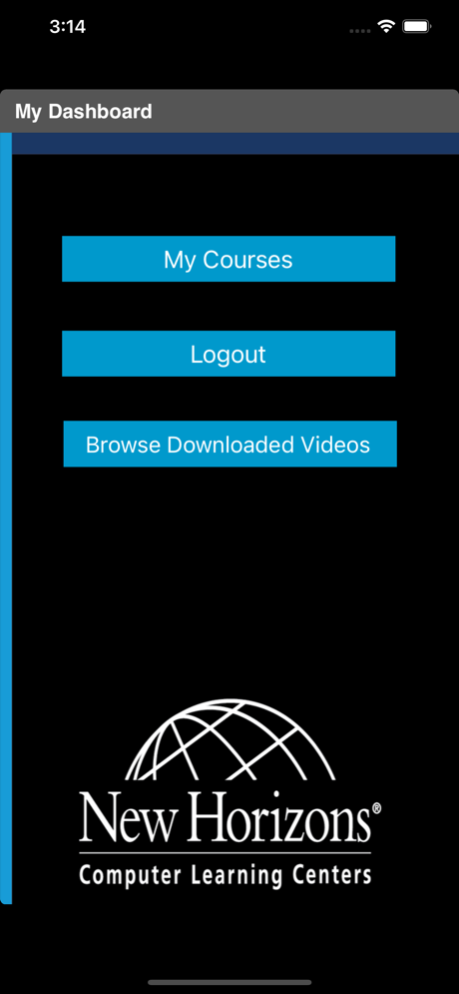
NH-choice is a patent pending configurable learning system that incorporates Logical Operations’ award-winning course development process with a digital multi-platform learning experience that is interactive and intuitive.
The result is an effective, productive, and enjoyable learning experience that lasts far beyond the classroom engagement. NH-choice provides the highest caliber of adaptable development training courses available anywhere that meet the demands of today’s busy, technology-savvy professionals
The NH-choice system provides a unique and innovative learning experience through:
•Flexible hard-copy content designed for use in traditional, virtual, or blended classroom environments
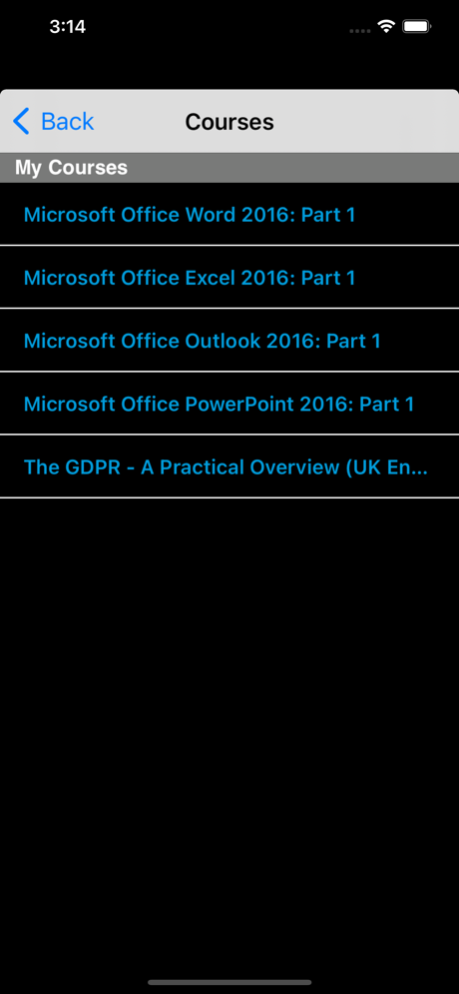
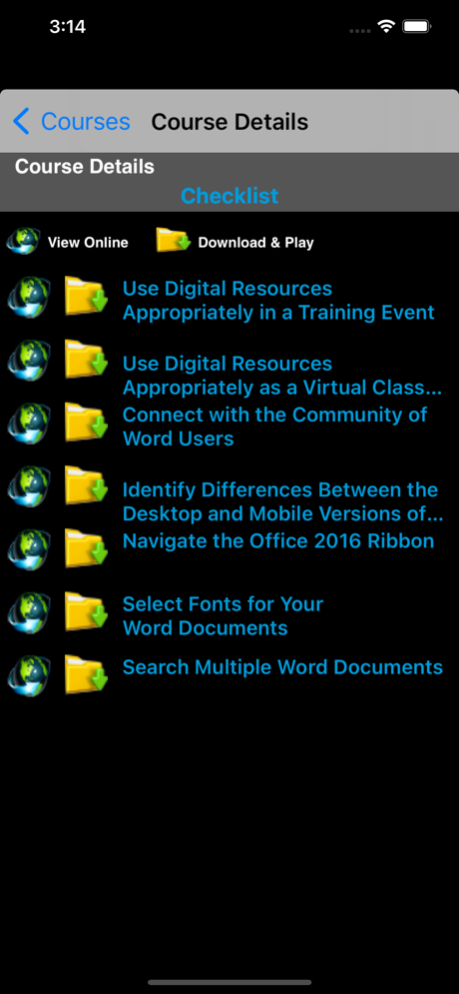
•Content available in multiple modalities and accessible on any device for anywhere, anytime student access
•Customizable content delivery platform for centralized deployment of ANY Internet-based learning tool, scalable to meet future technology demands and resource offerings
Mar 17, 2021
Version 2.1
Bug Fixes
Previous Versions
Here you can find the changelog of NH-choice since it was posted on our website on 2016-10-18 07:25:30.
The latest version is 2.1 and it was updated on 2024-04-19 19:40:48. See below the changes in each version.
NH-choice version 2.1
Updated At: 2021-03-17
Changes: Mar 17, 2021 Version 2.1
Bug Fixes
NH-choice version 2.0
Updated At: 2018-06-27
Changes: Jun 27, 2018 Version 2.0
Some Bug Fixes
NH-choice version 1.0
Updated At: 2015-07-27
NH-choice version 2.0
Updated At: 1970-01-01
Changes: 27 juin 2018 Version 2.0
Some Bug Fixes
Disclaimer
Official App Store Link
We do not host NH-choice on our servers. We did not scan it for viruses, adware, spyware or other type of malware. This app is hosted by Apple and passed their terms and conditions to be listed there. We recommend caution when installing it.
The App Store link for NH-choice is provided to you by apps112.com without any warranties, representations or guarantees of any kind, so access it at your own risk.
If you have questions regarding this particular app contact the publisher directly. For questions about the functionalities of apps112.com contact us.